



.jpg)
Description
Download Microsoft Office Word Excel PowerPoint More APK – Microsoft Office, Word, Excel, PowerPoint, mobile productivity, document editing, PDF creation, cloud storage, OneDrive, mobile office, document scanning, QR code sharing, mobile app
Overview
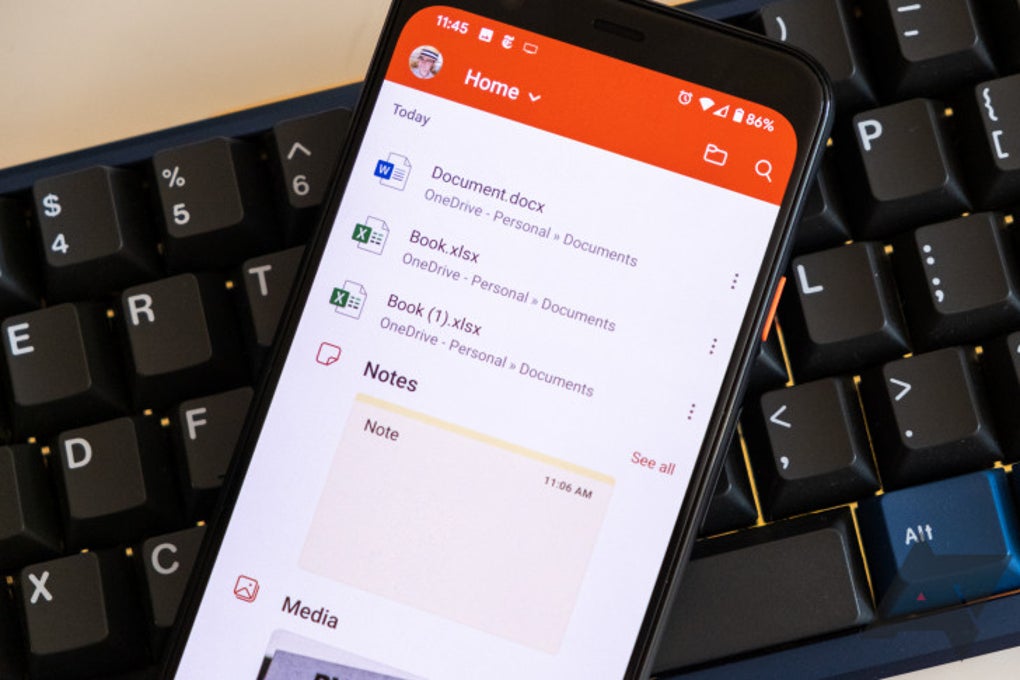
Microsoft Office Word Excel PowerPoint More APK is a mobile productivity suite designed to bring the core functionality of Word, Excel, and PowerPoint to Android devices in a single application. The software aims to streamline document access and editing for users who need to manage work or academic materials on the go. By consolidating three essential tools into one interface, it reduces the need for multiple installations, helping users save mobile storage space. The application is built for professionals, students, and freelancers who require consistent access to their documents across devices. All files are saved by default to OneDrive, enabling seamless cloud-based synchronization and retrieval. The app supports real-time collaboration through cloud integration and includes features such as document scanning, PDF creation, and digital signing, enhancing its utility as a portable office solution. Users can also open documents from QR codes and share files directly from the app. While the mobile version is not a full replacement for desktop counterparts, it provides sufficient functionality for light to moderate editing tasks. The developer did not specify additional use cases beyond those mentioned in the official description.
Key Features & Capabilities
- Integrated Office Suite – Combines Word, Excel, and PowerPoint in a single application, allowing users to switch between programs without reinstalling or managing separate apps.
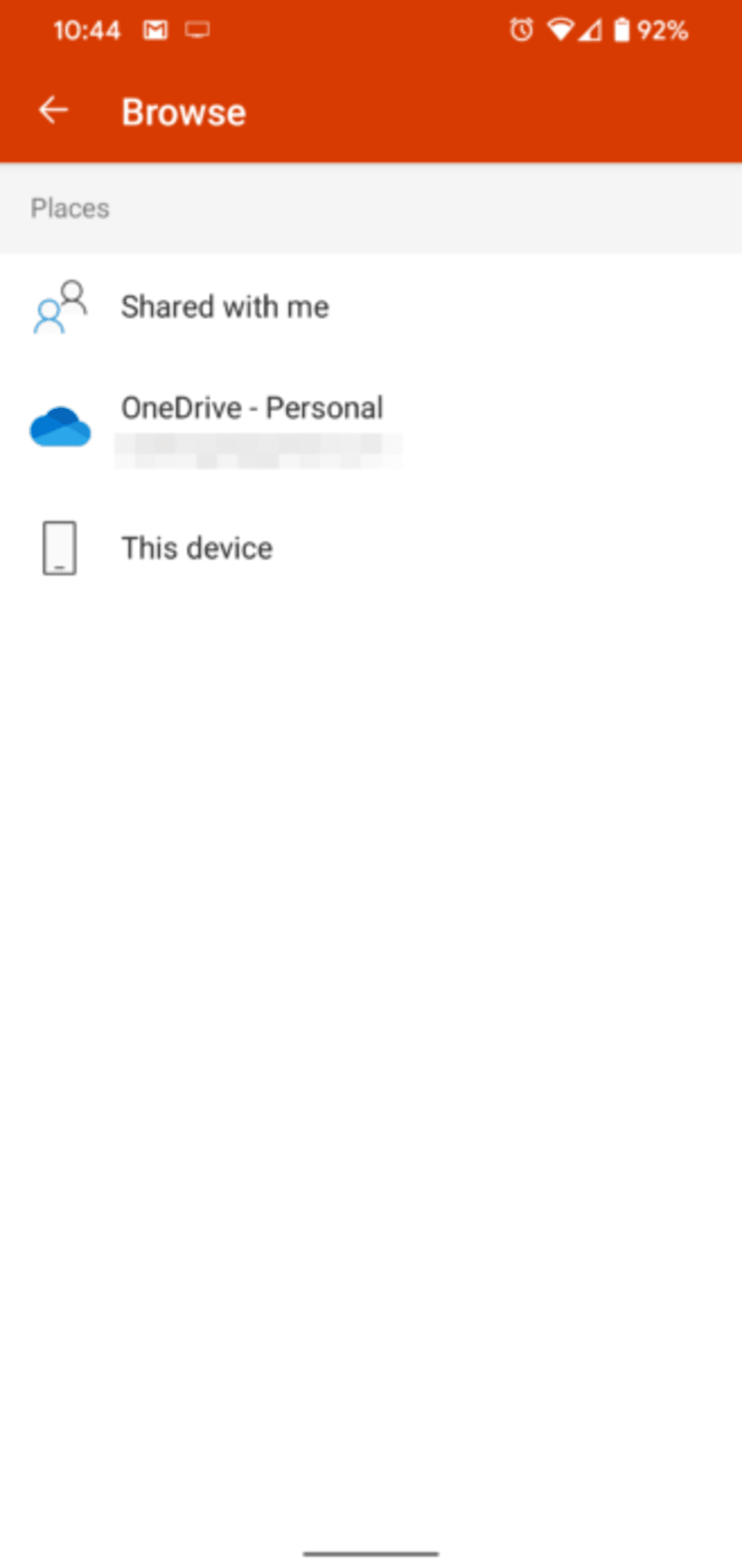
- Cloud Storage Sync – Automatically saves documents to OneDrive, ensuring accessibility across devices and backup protection.
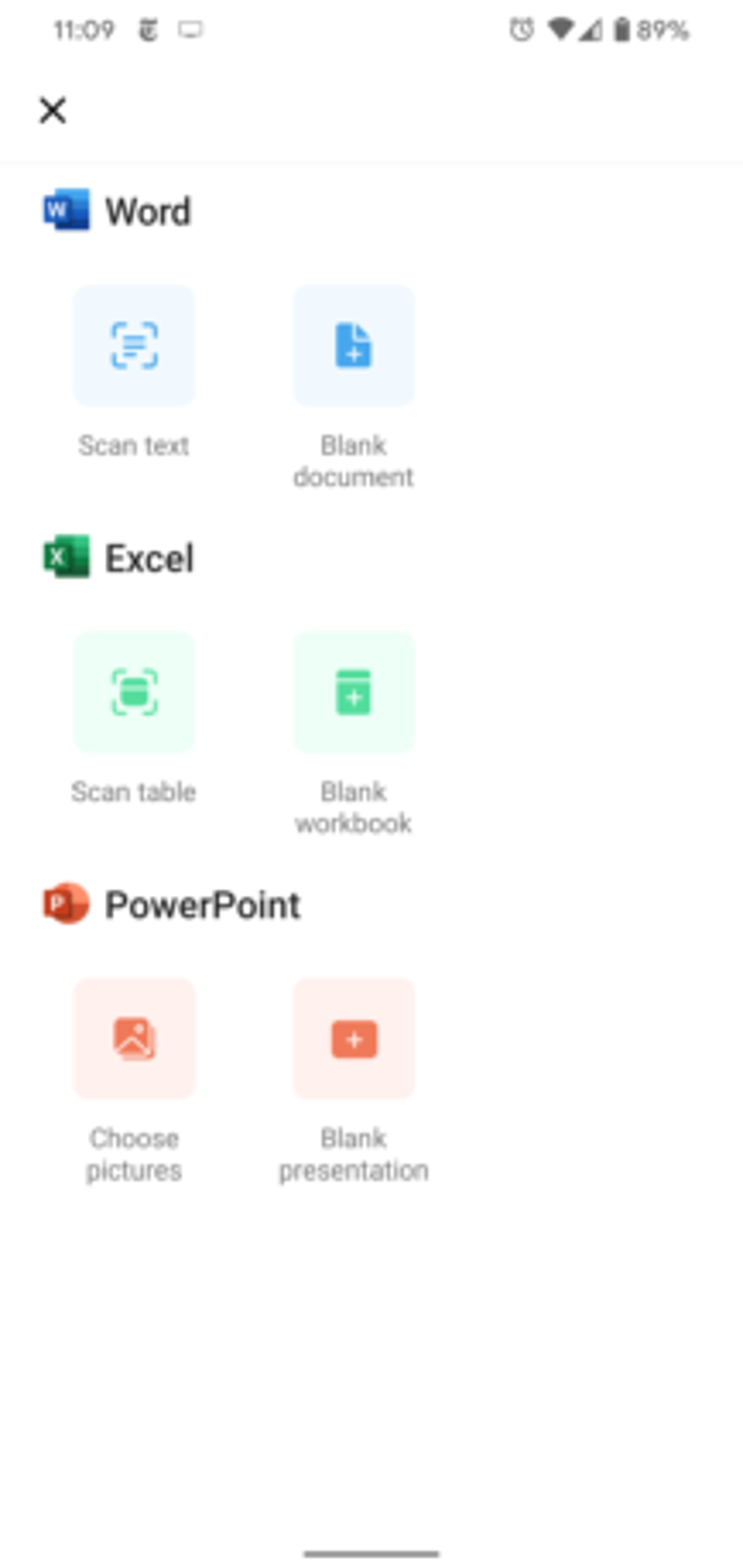
- Document Scanning – Enables users to scan physical documents or photos and convert them into editable Word files with a single tap.
- PDF Creation and Editing – Allows users to generate PDFs from any document or camera input and sign them digitally using finger input.
- QR Code Integration – Supports opening documents and sharing files via QR codes, improving file transfer efficiency in informal or remote settings.
- Sticky Notes Sync – Links with Microsoft’s Sticky Notes app for unified note-taking and task management.
- Table Conversion – Offers the ability to convert Word tables into Excel-compatible spreadsheets for further analysis.
These features are particularly useful for users managing time-sensitive tasks, such as students preparing presentations, freelancers submitting client documents, or professionals reviewing reports during travel. The ability to scan and convert documents on the fly makes it ideal for digitizing handwritten notes or paper-based records. The app’s focus on integration and cloud connectivity supports a consistent workflow across platforms, though advanced formatting tools are not available.
User Interface, Workflow & Performance
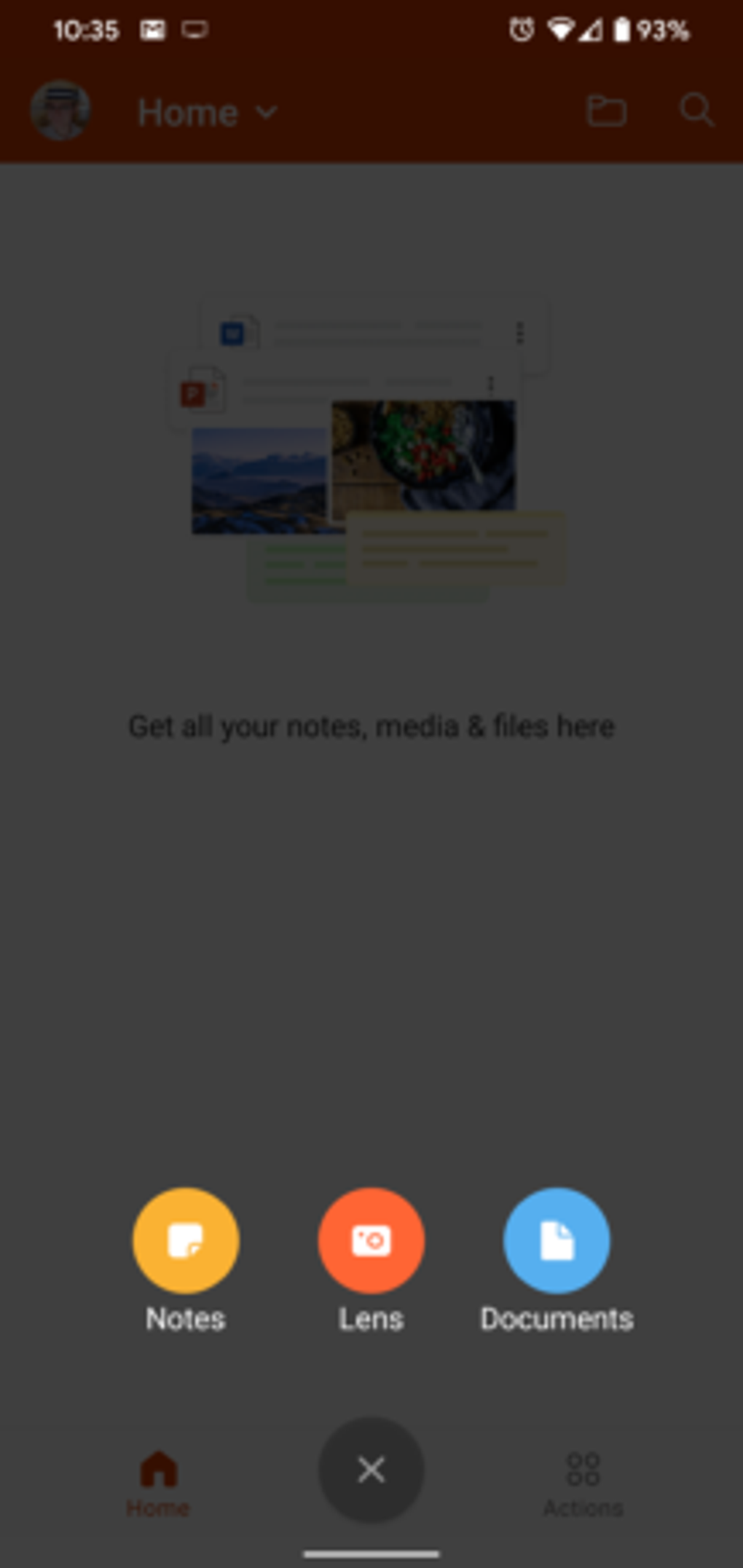
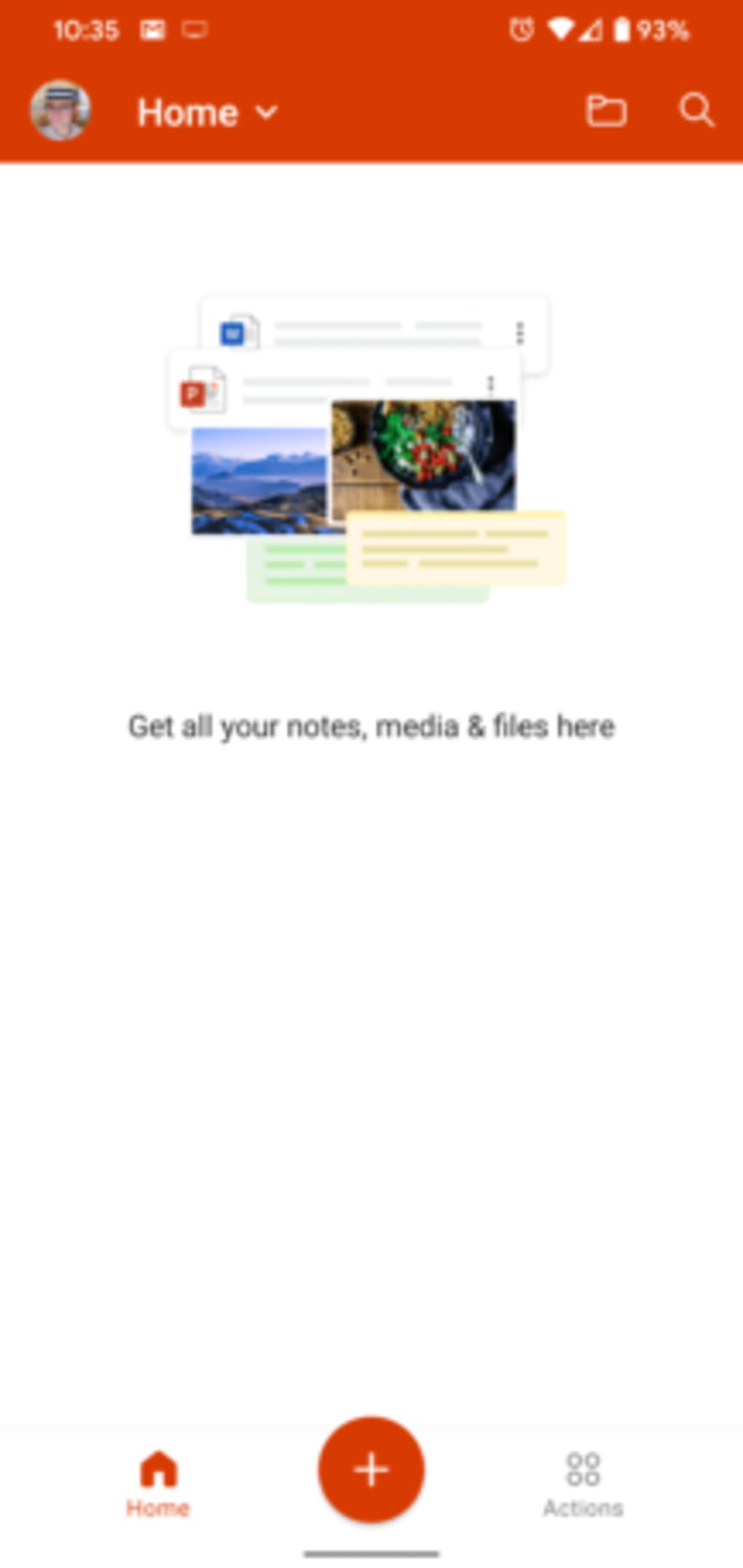
The user interface is structured around a central navigation menu that provides access to the three core applications. The main dashboard is designed for intuitive access, with clearly labeled icons and a straightforward layout. However, navigation within individual programs can be slightly cumbersome due to the need to switch screens when accessing document menus. This may disrupt workflow continuity, especially for users accustomed to more fluid interfaces. The app’s performance is generally stable during typical use, but the developer did not specify resource usage details. Performance observations are based on general software behavior patterns. The application runs smoothly on modern Android devices, though older models may experience delays during document switching or cloud sync operations. Stability issues were reported during transitions between multiple documents, suggesting occasional lag or memory strain. The app is responsive to touch inputs and supports gesture-based navigation. No specific information was provided about CPU or RAM consumption. Overall, the user experience is functional but could benefit from a more cohesive interface design.
Compatibility & System Requirements
Microsoft Office Word Excel PowerPoint More APK is designed for Android operating systems. The current version is 2024.2024.0527.01, with an installation size of 300 MB. The developer did not provide additional system requirements. Exact system requirements were not listed. Compatibility information was partially provided. The app is optimized for smartphones and tablets running recent Android versions. Users should ensure their device meets the minimum Android version required by the application, though specific details were not included in the release notes. No information was provided about hardware specifications such as processor speed or available RAM. The application requires a Microsoft account for initial setup and ongoing access to cloud features.
Pros and Cons
Pros
- Single app for Word, Excel, and PowerPoint reduces storage usage.
- Seamless integration with OneDrive for cloud backup and access.
- Document scanning and PDF creation enhance mobile productivity.
- Supports QR code sharing and digital signing for improved workflow.
- Free to download and use, with no upfront cost.
Cons
- Interface navigation can be inconsistent, especially when switching between documents.
- Limited functionality compared to desktop versions, especially in advanced formatting.
- Requires a Microsoft account, which may deter some users.
- Occasional instability when switching between programs or documents.
- Advanced features and tools are missing or restricted.
FAQ Section
Is Microsoft Office Word Excel PowerPoint More APK compatible with all Android devices?
Compatibility information was partially provided. The app is designed for Android, but specific device requirements were not listed. Users should ensure their device runs a recent Android version.
Is the app safe to download and use?
The app is distributed by Microsoft Corporation, a trusted developer. No security issues were reported in the provided data. Users should download only from official sources to ensure safety.
Does the app require an internet connection?
While basic editing can be done offline, features like cloud sync, document scanning, and QR code sharing require an internet connection for full functionality.
Can I use this app without a Microsoft account?
No. A Microsoft account is required to access cloud storage, sync documents, and use certain features like OneDrive integration.
Is the app free to use?
Yes. The app is available for free download and use. No in-app purchases or subscription fees were mentioned in the provided details.
Final Thoughts + CTA
Microsoft Office Word Excel PowerPoint More APK delivers a practical mobile productivity solution for users who need quick access to Word, Excel, and PowerPoint on Android. While it lacks the full depth of desktop functionality, its integration of core tools, cloud sync, and mobile-specific features like scanning and PDF creation make it a strong choice for on-the-go editing. The app is particularly beneficial for students, freelancers, and professionals managing light document tasks. Despite minor interface inconsistencies and stability concerns during transitions, the overall experience remains functional and efficient. For those seeking a reliable, free, and compact office suite on mobile, this app is a solid option. Download Microsoft Office Word Excel PowerPoint More APK now.
Guides & Tutorials for Microsoft Office Word Excel PowerPoint More APK
How to install Microsoft Office Word Excel PowerPoint More APK
- Click the Preview / Download button above.
- Once redirected, accept the terms and click Install.
- Wait for the Microsoft Office Word Excel PowerPoint More APK download to finish on your device.
How to use Microsoft Office Word Excel PowerPoint More APK
This software is primarily used for its core features described above. Open the app after installation to explore its capabilities.
User Reviews for Microsoft Office Word Excel PowerPoint More APK 0
No reviews found





